2.5-inch screen
A compact option for the planned display range.
- Model and specification to be confirmed
- Layout and features to be confirmed
- Price and availability to be confirmed
 SeeEnergy
SEEENERGY DISPLAYS
Solar, battery, home and grid — there when you glance over. Explore the 9-inch SeeEnergy touchscreen and our planned range of smaller displays.
Every screen is a separate hardware purchase. Pro and Enterprise include access to your account data on approved displays; they do not include a physical screen. A screen also needs approved SeeEnergy software, account pairing and Wi-Fi.
A SCREEN FOR YOUR SPACE
Enquire about our 9-inch touchscreen for your SeeEnergy account. Smaller sizes are planned; specifications, pricing and availability will be confirmed before release.
A compact option for the planned display range.
A smaller option for everyday energy viewing.
A mid-size option for the planned display range.
9-inch SeeEnergy Display
The previews show the 9-inch interface only. Smaller sizes are not yet available to order. Register your interest for details when specifications, pricing and release dates are confirmed.
THE 9-INCH SEEENERGY DISPLAY
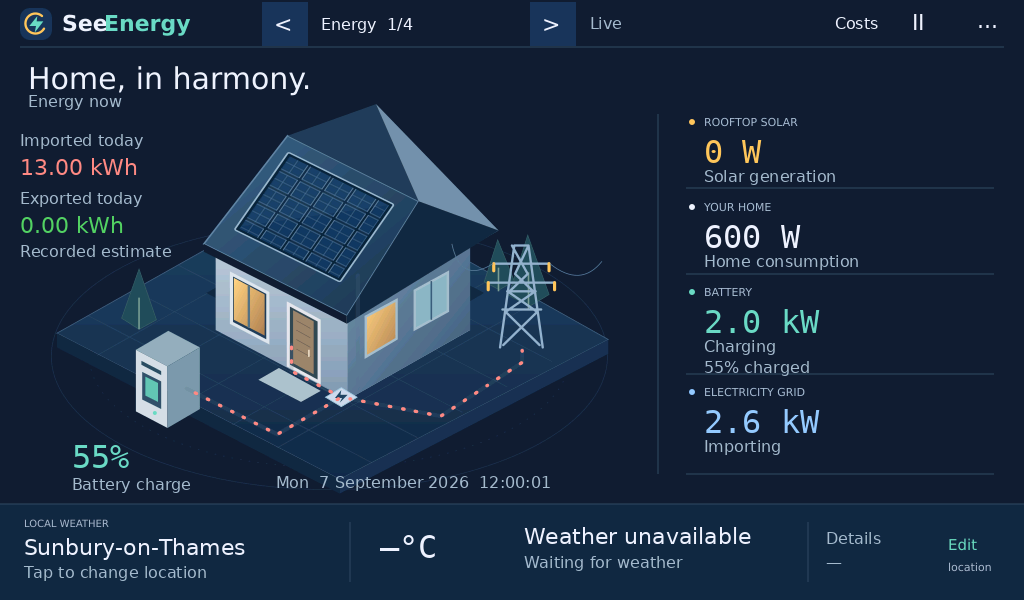
The SeeEnergy Display follows SeeEnergy’s website design, with the house, battery and energy-flow graphics you already know. Readings come from the installation paired to your account.
Solar, home, grid and battery power, a prominent battery percentage, and daily grid estimates. Missing or stale values are shown as unavailable.
Choose a town or postcode for the forecast shown below your energy view. Weather and inverter readings update independently.
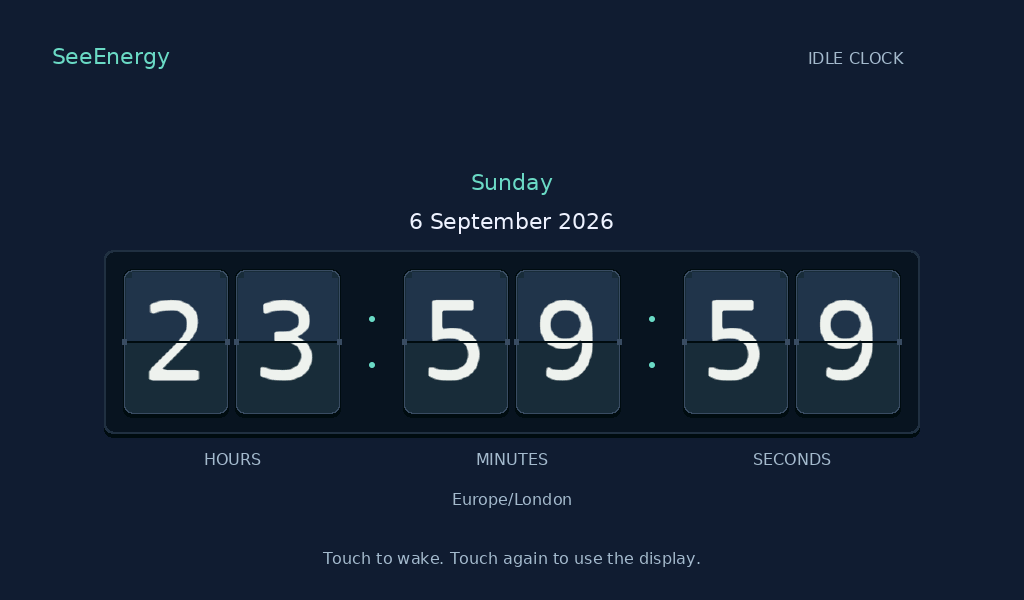
Choose when the screen dims and whether it shows the clock or energy. You can also choose Never for dimming.
Prepared displays receive approved software updates through SeeEnergy. Normal updates do not need a computer connection.
Use the site’s tariff settings to see estimated import costs and export earnings, with coverage and availability labels.
Pair an approved SeeEnergy Display using its short website code. Manage the device from My displays in your account.
Connect its Wi-Fi, pair it to your site and make the view your own. Our guide keeps the Wi-Fi password and account pairing steps clear.